Your customer calls at 10:47 PM.
Nobody answers.
They call someone else.
That is the part of business calls that gets overlooked.
A missed call is not always just a missed call.
It can be a missed customer, a missed booking, a missed enquiry, or a missed sale.
And that is where AI voice agents are getting interesting.
But there is also a lot of noise around them right now.
You have probably seen companies talking about AI employees that can replace receptionists, salespeople and support teams.
I don't think that is the right way to look at it.
The better question is:
Which calls should AI handle, and which calls should stay with humans?
That is where voice AI becomes useful.
First, what is an AI voice agent?
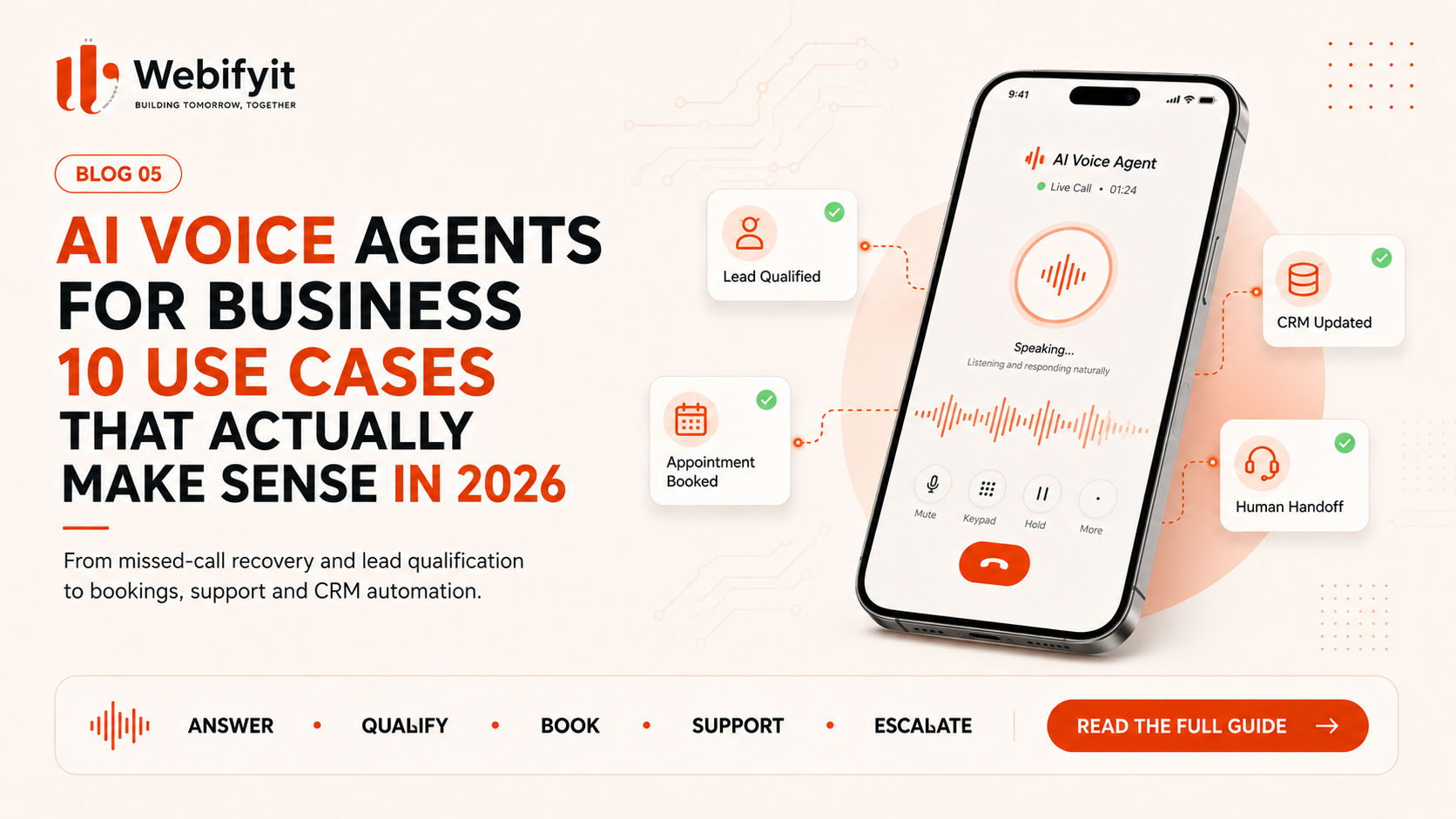
An AI voice agent is a system that can have a spoken conversation with a caller and, depending on how it is built, use business information and connected software to actually do something.
A basic voice bot might say:
"Please tell me your name."
A more useful system can understand something like:
"I need 500 units of your product and I need them delivered next Thursday."
The system could then:
- understand the request
- ask for missing information
- check connected systems
- create a lead
- update the CRM
- book an appointment
- send a confirmation
- or transfer the call to a person
That is the important difference.
Voice AI is not just about talking.
The useful part is what happens after the conversation.
10 AI Voice Agent Use Cases That Actually Make Sense
1. Answering calls after business hours
This is probably the easiest use case to understand.
A customer calls at:
7:30 PM.
10:00 PM.
Saturday afternoon.
Nobody answers.
The call goes to voicemail.
The customer may simply move on.
A voice agent can answer immediately and handle the first part of the conversation.
It can:
- identify why the customer called
- answer common questions
- collect contact details
- book an appointment
- create a lead
- route urgent requests
- send information after the call
The goal is not necessarily to replace your reception team.
It is to make sure your business doesn't become completely unavailable when your team is offline.
For businesses where phone calls are closely connected to revenue, that can be valuable.
2. Lead qualification
This is one of the use cases I like most.
Imagine a company receives dozens or hundreds of enquiries every month.
Not every enquiry deserves the same amount of sales time.
A voice agent can ask the basic questions first.
For example:
What are you looking for?
How much do you need?
Where are you located?
When do you need it?
What is your expected budget?
Who are you buying for?
The system can then turn that conversation into structured information.
For example:
Qualified Lead
Company: ABC Manufacturing
Product: Industrial components
Quantity: 5,000
Location: Birmingham
Requirement date: September
Priority: High
The salesperson no longer has to start from zero.
They start with context.
That is where voice AI becomes more useful than a simple website chatbot.
3. Appointment booking
Some businesses receive the same type of calls every day:
"Do you have anything available on Friday?"
"Can I move my appointment?"
"What time should I come in?"
This is a natural fit for automation.
A voice agent can potentially:
check availability
→ find an available slot
→ book it
→ send confirmation
→ set a reminder
and update the relevant system.
This can work well for:
- clinics
- consultants
- salons
- repair businesses
- professional services
- property businesses
- restaurants
- other appointment-driven businesses
Again, the value is not that the AI sounds human.
The value is:
The customer gets an answer without waiting for someone to call back.
4. Customer support
Not every support call needs a human immediately.
Customers ask a lot of repetitive questions.
For example:
"Where is my order?"
"What time do you close?"
"Can I change my booking?"
"How do I reset my account?"
"What documents do I need?"
A voice agent can handle straightforward questions and pass more complicated cases to a person.
A sensible setup can look like this:
Simple request
→ AI handles it
Unclear request
→ AI asks more questions
Complex or sensitive request
→ Human takes over
This is a much more realistic way to use AI than trying to automate every support conversation.
5. Missed-call recovery
This one is easy to overlook.
The customer already tried to contact you.
Nobody picked up.
Instead of simply accepting the lost opportunity, the business can use a follow-up workflow.
For example:
Missed call
↓
Automated callback
↓
"Hi, you recently tried to reach us. How can I help?"
The AI can then understand why the person called, collect basic information and route the request.
This can be especially useful for businesses where a missed call usually means a lost lead.
The important part is measuring it.
Don't assume every missed call becomes a customer.
Track:
missed calls → callbacks → qualified leads → bookings → sales
6. Sales follow-up
This is where things start getting more interesting.
Imagine someone requested a quotation three days ago.
The salesperson is busy.
Nobody follows up.
A potentially valuable lead becomes cold.
A voice workflow can trigger a follow-up call.
For example:
"Hi, I'm calling regarding the quotation we sent earlier. Are you still looking to move forward?"
Depending on the answer, the system can:
- update the CRM
- mark the lead as interested
- schedule another call
- send information
- transfer the lead to sales
This is very different from a random automated call.
The AI is part of the existing sales process.
7. Customer reminders
Not every call is about selling.
Businesses also spend a surprising amount of time making reminders.
For example:
- appointment reminders
- delivery reminders
- service reminders
- renewal reminders
- payment reminders
- booking confirmations
- follow-up calls
Many of these conversations are structured and repetitive.
That makes them good candidates for automation.
The benefit may simply be:
Your team spends less time making repetitive calls.
And sometimes that is enough to justify the project.
8. Recruitment screening
Recruitment teams often make a large number of early-stage calls.
A voice system can potentially handle part of this process.
For example:
"Are you currently looking for a new opportunity?"
"How many years of experience do you have?"
"What location are you based in?"
"What is your notice period?"
"Are you comfortable with this role?"
The responses can be structured and passed to the recruitment team.
But there is an important distinction here.
AI can help collect and organize information.
It should not automatically make every hiring decision.
A better model is:
AI screening
→ structured candidate information
→ human review
That keeps the recruiter in control of the important decision.
9. Manufacturing and B2B enquiries
This is one I think deserves more attention.
A manufacturer may receive enquiries through:
phone
website
The salesperson may need to ask:
What product?
What quantity?
What specification?
Where should it be delivered?
When is it needed?
Who is the buyer?
The first call can take several minutes.
A voice agent can collect those details and create a structured enquiry.
So instead of:
Phone call
→ Salesperson takes notes
→ Salesperson updates CRM later
you can have:
Phone call
→ AI collects requirement
→ CRM record
→ Salesperson notified
The salesperson can then spend their time on the actual commercial conversation.
For a manufacturing business, this can be much more valuable than a generic "AI receptionist."
10. Multi-location businesses
Now imagine a company with:
10 branches
20 stores
50 service locations
or multiple offices.
Customers often ask similar questions:
"Where are you located?"
"Are you open today?"
"Can I book at the nearest branch?"
"Which location handles this service?"
A centralized voice system can potentially answer those questions, check availability and route the caller to the correct location.
The objective is not to make every branch sound exactly the same.
It is to give customers a consistent first response while still getting important calls to the right person.
The part people don't talk about enough
An AI voice agent is not just:
AI + phone number
The difficult part starts when the system needs to do something.
For example:
A customer calls.
↓
AI understands the request.
↓
AI checks the CRM.
↓
AI checks the calendar.
↓
AI checks inventory.
↓
Business rules are applied.
↓
The system creates or updates a record.
↓
The customer gets a response.
↓
A human gets involved when necessary.
That is a real software system.
And it may require:
- telephony
- speech recognition
- AI models
- business logic
- APIs
- CRM
- databases
- authentication
- logging
- monitoring
- human escalation
This is why a good voice AI implementation is closer to software engineering + workflow design than simply buying a voice bot.
Your AI voice agent is only as good as the workflow around it
You can build a voice agent that sounds incredibly natural.
But if it:
- cannot access the right information
- gives incorrect answers
- doesn't understand business rules
- can't transfer to a human
- doesn't update the CRM
- doesn't handle failures
then the business still has a problem.
A smooth conversation is not the same thing as a useful system.
When you should NOT use a voice agent
This part is just as important.
Don't automate a call simply because you can.
Be careful with conversations involving:
- medical decisions
- legal decisions
- sensitive financial decisions
- serious complaints
- confidential situations
- complex negotiations
- emotionally sensitive conversations
AI may still assist in these areas.
But fully replacing the human may not be appropriate.
A better design can be:
AI → collect information → human review
instead of:
AI → make the final decision
Don't make the AI pretend to be human
There is also a trust issue here.
The goal shouldn't be:
"Make the customer think they're talking to a person."
The goal should be:
"Make the interaction useful."
In many cases, it is better for the system to identify itself as an AI assistant and give the customer a clear way to reach a person.
Trust is more valuable than the illusion of a human.
The biggest mistake: trying to automate everything
A company discovers voice AI and suddenly wants:
AI receptionist
AI sales agent
AI support agent
AI collections agent
AI recruitment agent
AI booking agent
AI employee
All at once.
I wouldn't start there.
Start with one call type.
For example:
after-hours enquiries
or
appointment booking
or
lead qualification
or
missed-call recovery
Then measure it.
If it works:
expand.
What should you measure?
Don't measure only:
"The AI handled 5,000 calls."
That number sounds impressive.
It doesn't necessarily mean the business improved.
Track things that actually matter:
Response rate
How many calls were answered?
Qualification rate
How many became useful leads?
Booking rate
How many appointments were successfully booked?
Resolution rate
How many issues were solved without human intervention?
Transfer rate
How often did the system need a human?
Cost per interaction
What does each automated interaction actually cost?
Revenue impact
Did more opportunities convert?
That is how you determine whether voice AI is helping.
A simple example
Imagine a business receives:
1,000 calls per month
and misses:
150
That's 150 opportunities that currently receive no immediate answer.
Maybe some are spam.
Maybe some are existing customers.
Maybe some are genuine sales opportunities.
We don't know.
That's why a good implementation starts with measurement.
The first question isn't:
"How many calls can AI handle?"
It's:
"How many valuable calls are we currently losing?"
Then we build around that.
What about the cost?
A voice AI project can be very small or very large.
A simple setup that:
answers calls → collects details → sends information
is very different from a production system that:
understands requests → checks CRM → checks inventory → books appointments → updates multiple systems → handles exceptions → escalates to humans
Your cost can include:
telephony
AI usage
development
integrations
hosting
monitoring
support
So don't compare providers only by:
"How much per minute?"
The cheaper call minute doesn't necessarily mean the cheaper business solution.
The best first project is usually boring
This sounds strange, but it is true.
The most useful AI project isn't always the impressive one.
It might simply be:
Recover missed leads after business hours.
Or:
Automatically qualify inbound enquiries.
Or:
Book appointments without staff answering every call.
Those problems are boring.
And that is exactly why they can work.
They happen often.
They have a clear process.
And the result can be measured.
A practical way to start
Step 1 — Understand your calls
List the types of calls your business receives.
Step 2 — Find repetition
Which conversations happen again and again?
Step 3 — Find the business value
Which calls affect revenue, time or customer experience?
Step 4 — Choose one workflow
Pick the easiest high-value opportunity.
Step 5 — Build the first version
Connect the voice system to the business workflow.
Step 6 — Add human escalation
Make it easy for AI to hand over when it should.
Step 7 — Measure
Compare the new process against the old one.
Step 8 — Improve and expand
Only automate more once the first workflow is working.
The future isn't "AI replacing the phone"
The phone isn't going away.
What's changing is what can happen after someone speaks.
A customer talks.
The system understands.
It checks information.
It takes an action.
It records the conversation.
And a human steps in when human judgement matters.
That's much more useful than a bot that simply talks.
How we think about voice AI at Webifyit
We don't start with:
"You need an AI voice agent."
We start with:
"Show us what happens when the phone rings."
Who answers?
What do they ask?
Where is the information stored?
What happens after the call?
Which systems need updating?
Where are calls being missed?
Which calls actually matter?
Only then do we decide whether the right solution is:
AI voice
traditional IVR
normal automation
CRM integration
custom software
or a combination.
The technology should fit the workflow.
Not the other way around.
Final takeaway
AI voice agents make sense when:
calls are frequent
the workflow is repetitive
the information can be structured
the outcome is measurable
and
there is a clear path to human escalation
The biggest opportunity isn't building a voice bot that sounds impressive.
It's building a system that can turn a phone conversation into a useful business action.
Call → Understand → Decide → Act → Record → Escalate
That's where voice AI becomes business software.
Thinking about automating your calls?
Webifyit helps businesses design and build practical AI voice workflows—from lead qualification and appointment booking to missed-call recovery, CRM integration and custom business automation.
Tell us what happens when your phone rings →